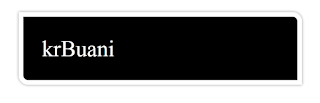
Add rounded border to an html elements. In border radius is define 4 angles differently. Default value is 0 and it cannot inherit child elements. You can give border radius 4 angle that are follow syntax: Border-radius: 1px 2px 3px 4px; - First dimension (1px) is display top left corner. - Second dimension (2px) is display top right corner. - Second last dimension (3px) is display bottom right corner. - Last dimension (4px) is display bottom left corner. You can also give separate dimension like Follow: Border-top-left-radius: 1px; Border-top-right-radius: 2px; Border-bottom-left-radius: 3px; Border-bottom-right-radius: 4px; You can also give two dimension that follow: Border-radius:0px 1px; - First dimension set top left and bottom right dimension. - Last dimension set bottom left and top right corner radius. Here, you can use for older browser prefix is moz and webkit Example HTML FILE is : Output is :

Comments
Post a Comment